GUIDE
A short setup guide for locating API credentials and preparing them for secure use.
Setup
4 min read
Kalshi
See also, https://docs.kalshi.com/getting_started/api_keys
1. Open your Kalshi account settings, then click "Account & security"
2. At the bottom, under "API Keys", click "Create Key"

3. Select the permissions (read-only suffices), and name the key something descriptive, like "p0 terminal".
Save the API Key ID and Private Key, then paste them into the p0 terminal when syncing a Kalshi account.
Polymarket US
See also, https://docs.polymarket.us/getting-started/quickstart
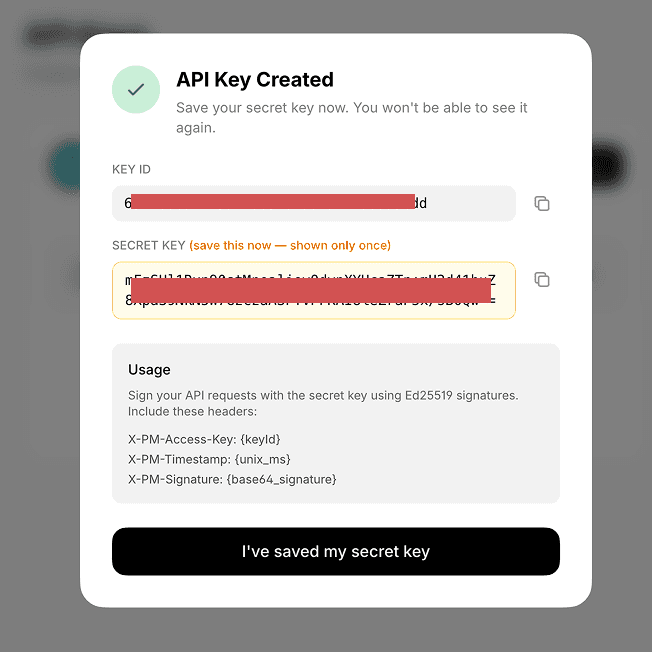
Sign in to the developer portal
Click to create a new API Key
Save the Key ID and Secret Key, then paste them into the p0 terminal when syncing a Polymarket US account.